


 English


A Problem I Keep Emphasizing
Wrong Aspect Ratio = Wasted Investment, No Matter How Good the Screen
After years in the LED display industry, I've seen too many clients regret choosing the wrong aspect ratio. The aspect ratio is a core factor that can make or break your investment. Remember, getting the aspect ratio right is essential for maximizing your screen's value.
Some clients tell me on the phone: "I want a 16:9 screen. It's the most common ratio, so it should be safe."
I understand this thinking—16:9 is indeed the mainstream standard.
But every time I hear this, I ask a few more questions: What content will you be playing? Where will it be installed? Who is your audience?
These questions aren't unnecessary.
Last year, a client in Colombia installed a 16:9 screen in a shopping mall atrium specifically for playing TikTok and Instagram vertical ads. The result? Black bars on both sides of the content.
They spent $30,000 USD on a screen but only used 40% of the display area. The client called asking if we could fix it with software. I had to tell them: this is a physical limitation—software can't solve it.
This could have been avoided.
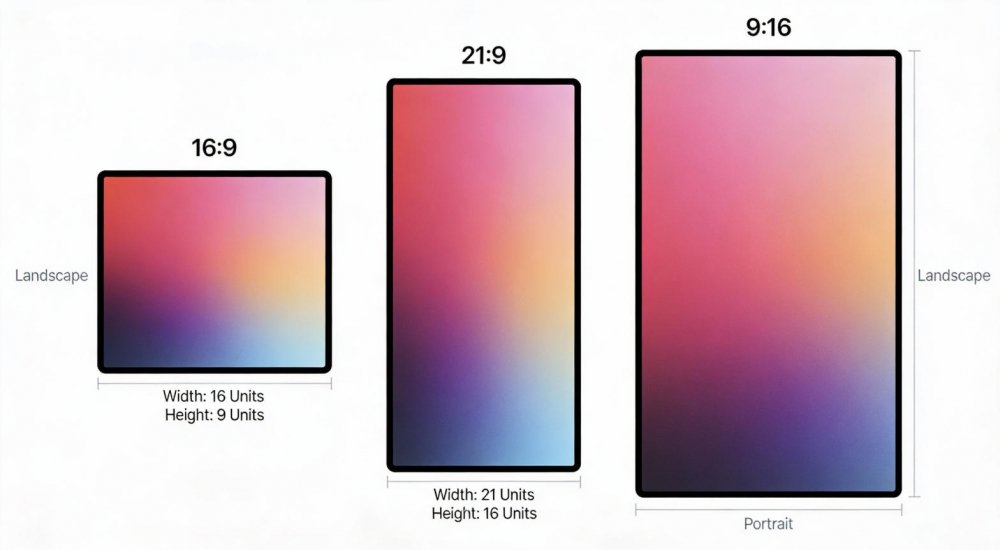
What Is Aspect Ratio? Don't Be Intimidated by Technical Terms
Understanding the Basics
Many clients get overwhelmed when they see terms like "Pixel Aspect Ratio (PAR)" or "Display Aspect Ratio (DAR)." The concept is actually simple.
Aspect ratio is the proportional relationship between a screen's width and height. If a screen is 16 meters wide and 9 meters tall, the aspect ratio is 16:9.
Whether the unit is meters, centimeters, or pixels, as long as the ratio is consistent, the screen shape is identical.
Three Key Points to Remember
Pixel Aspect Ratio (PAR): The shape of a single pixel. Most LED screens use 1:1 square pixels—you don't need to worry about this.
Display Aspect Ratio (DAR): The shape of the entire screen. This is what you see directly and what we primarily consider during selection.
Storage Aspect Ratio (SAR): The ratio of the video file itself. For example, a 1920×1080 video has an SAR of 16:9.
The core principle is simple: content ratio must match screen ratio. Otherwise, you'll get distorted images, black bars, or cropped content.
As for calculation methods? Honestly, I now use online calculators directly—input the width and it automatically calculates the height. Saves time and eliminates errors. You can do the same.
Which Aspect Ratio for Which Scenario?
16:9 — Currently Mainstream, But Not a Universal Solution
16:9 accounts for over 80% of the market. YouTube, TV broadcasts, computer outputs—the vast majority of content uses this ratio.
Ideal Scenarios:
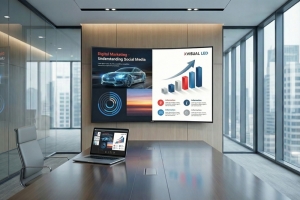
- Corporate conference rooms and showrooms (presentations and videos)
- Outdoor billboards (compatible with most advertising materials)
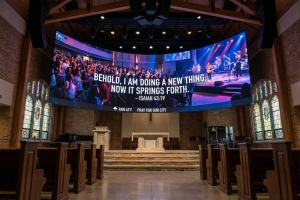
- Churches and concert halls (live streaming and recorded content)
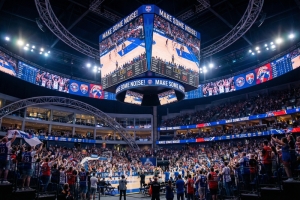
- Sports stadiums (event broadcasting)
I configured a 16:9 screen for a corporate conference room in the UAE, and the client feedback was excellent. They spent 90% of their time playing PowerPoint presentations and Zoom meeting screens—16:9 was a perfect fit without wasting a single pixel.
But 16:9 is NOT suitable for:
- Shopping mall elevator wayfinding (space too narrow, portrait better)
- Stage backgrounds (need wider immersion)
- Short-form video advertising (9:16 is standard)
4:3 — Old Standard, Still Useful in Specific Scenarios
4:3 is the previous generation standard and less common now. But in certain scenarios, it's actually more appropriate.
Ideal Scenarios:
- Control center multi-window displays (richer vertical information)
- Legacy equipment signal output (cameras, set-top boxes)
- Photo wall displays (close to 35mm film ratio)
A command center client in Saudi Arabia insisted on 4:3 because they needed to display 16 surveillance feeds simultaneously. 4 horizontal × 4 vertical—perfectly filled the screen with no gaps.
In this case, 16:9 was actually inferior to 4:3.
21:9 and 32:9 — Ultra-Wide, Guaranteed Immersion
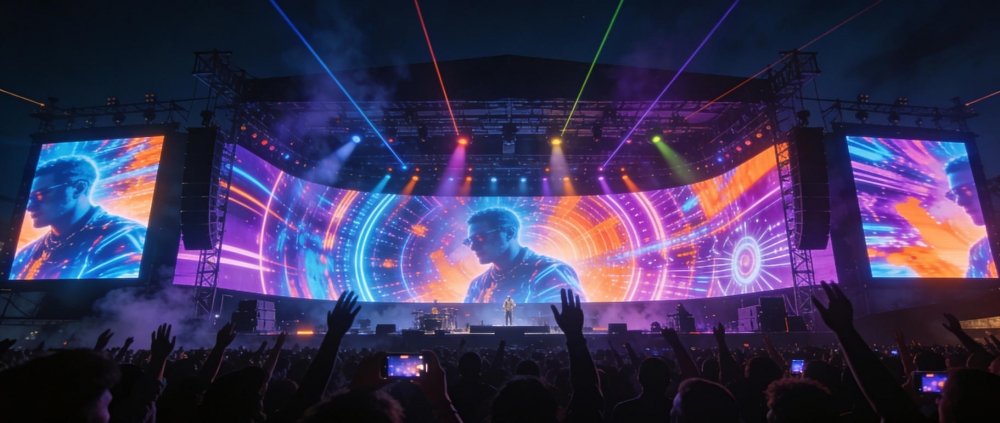
Demand for ultra-wide screens has noticeably increased in recent years. 21:9 provides broader horizontal field of view, while 32:9 approaches a wraparound effect.
Ideal Scenarios:
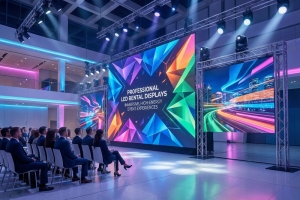
- Stage backdrop screens (music festivals, concerts)
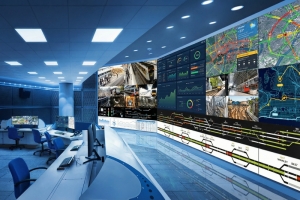
- Command center video walls (displaying multiple data sources on one screen)
- Naked-eye 3D displays (panoramic visual impact)
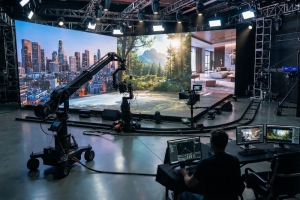
- Virtual production studios (XR production environments)
At the Rio Music Festival in Brazil, we used a 32:9 ultra-wide screen combined with side auxiliary screens to create a 270-degree surround. Audience feedback said the on-site immersion was explosive, and the artist teams were very satisfied.
Important Note: Ultra-wide screens have high content production requirements. If your content team can't produce 21:9 or 32:9 materials, even the best screen won't reach its potential.
9:16 and 3:4 — The Portrait Era Has Arrived
Since 2025, I've clearly felt portrait screen demand surging. The reason is simple: everyone is scrolling through Douyin, TikTok, Instagram Reels—all 9:16 portrait content.
Ideal Scenarios:
- Shopping mall corridors and elevator wayfinding
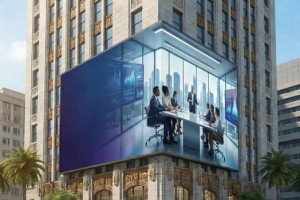
- Street digital billboards
- Retail store promotional screens
- Airport and subway station information displays
A project at Dubai Mall left a strong impression on me. The client installed 20 9:16 portrait screens in elevator areas specifically for playing short-form video ads.
Because the ratio perfectly matched users' mobile viewing habits, ad engagement rates were 3× higher than traditional landscape screens.
3:4 portrait sits between 9:16 and 4:3—suitable for scenarios needing more vertical information without being too narrow, such as floor directories and menu displays.
Four Critical Selection Factors
This Is What I Emphasize in Every Client Conversation
Point 1: What Will You Play 90% of the Time?
This is the most critical question. Don't skip this step!
If you're playing 16:9 video 90% of the time, make the screen 16:9 or an integer multiple. If you're mainly playing portrait short videos, 9:16 is the only choice.
Don't fantasize about "one screen fits all content"—that only leads to all content displaying poorly.
A client in Mexico City told me they wanted a "universal screen" that could play both landscape videos and portrait ads. I directly recommended buying two screens—one 16:9, one 9:16—for different scenarios.
While slightly more expensive, the results were far superior.
Point 2: Physical Resolution and Aspect Ratio Must Align
An LED screen's physical resolution (e.g., 1920×1080) inherently determines its aspect ratio. You cannot perfectly play 16:9 content on a 4:3 screen—you'll either have black bars or distorted images.
Confirm with your supplier: What is the screen's actual resolution? Does this resolution's corresponding aspect ratio match your content?
Point 3: Ultra-Wide Screens Require Advance Equipment Compatibility Confirmation
Not all controllers support 21:9 or 32:9 ultra-wide screens.
Last year on a Saudi Arabia project, the client purchased a 32:9 screen, but the controller only supported up to 21:9 output. We had to urgently replace the controller, delaying the project by an entire week.
Before procurement, have your supplier provide a complete system solution—including controller, signal source, playback software—and confirm full compatibility before placing orders.
Point 4: For Portrait Screens, Prioritize Rotated 16:9 Modules
When building portrait screens, many manufacturers recommend dedicated portrait modules. My advice: prioritize rotating standard 16:9 modules by 90 degrees for assembly.
The reason is simple: 16:9 modules are mainstream products with ample spare parts, convenient maintenance, and more competitive pricing.
While dedicated portrait modules are theoretically more optimized, they have higher long-term maintenance costs and longer spare parts lead times.
Real-World Application Selection Guide
These Are Solutions I've Validated in Actual Projects
Stage Scenarios: Start at 21:9, Combine with Auxiliary Screens
For large concerts and music festivals, the main screen should be at least 21:9—go with 32:9 if budget allows. That's how we configured Rio, Brazil and Dubai, UAE New Year's Eve events.
Smaller performances can use 16:9, but I recommend combining with side auxiliary screens or floor supplementary screens to create dimensional visuals.
Technical Requirements: Refresh rate ≥3840Hz, grayscale ≥16-bit, ensuring no flicker when captured by cameras.
Command Centers: 32:9 Continuous Tiling
For public safety, traffic control, and emergency command centers, I strongly recommend 32:9 and above continuous tiling.
At Riyadh's Public Safety Command Center in Saudi Arabia, we used 64:9 (two 32:9 screens tiled)—capable of simultaneously displaying 24 surveillance feeds + 8 data charts, dramatically improving command efficiency.
Note: Plan multi-window layouts in advance, ensuring each window's ratio is reasonable to avoid any window displaying distorted content.
Shopping Mall Wayfinding: Portrait Primary, Organized Information
Use 9:16 or 3:4 portrait screens for elevator areas and corridors. That's what Dubai Mall and São Paulo premium shopping centers do.
Atriums and service desks can use 16:9 or 4:3 for convenient display of floor maps and store information.
Content Recommendation: Design information templates in advance with fixed positions for text, icons, and QR codes to avoid frequent adjustments causing display chaos.
Naked-Eye 3D: Ratio Matching Is Priority 1
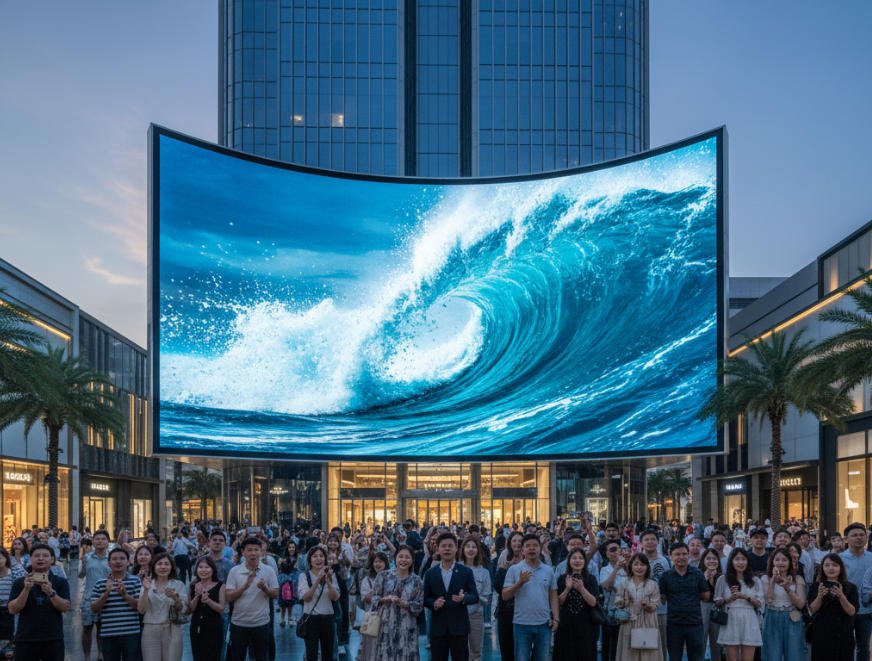
Naked-eye 3D has extremely strict aspect ratio requirements. Whatever ratio the content was produced in, the screen must match exactly—no room for deviation.
At Dubai Airport's naked-eye 3D advertising screen in the UAE, we used 21:9 because the client's 3D content was produced in 21:9.
After screen installation, the 3D effect was immediately apparent—passersby gathered to take photos, with excellent viral marketing results.
Short-Form Video Advertising: 9:16 Exclusive, No Compromise
This scenario has no alternatives—must be 9:16.
Mexico City street digital signage and São Paulo shopping mall promotional screens—we used 9:16 for all of them. Content directly downloaded from TikTok and Instagram plays with no black bars, no stretching, and noticeably longer user dwell times.
Three Practical Content Production Tips
Choosing the Right Screen Is Just Step One—Content Matching Is Equally Important
Tip 1: Standardize Resolution and Aspect Ratio at Project Initiation
Be clear with your content production team: all materials should be produced in fixed ratios, such as 1920×1080 (16:9) or 1080×1920 (9:16).
Don't have situations where "this video is 16:9 and that one is 4:3"—post-production adaptation becomes very troublesome.
Tip 2: Provide Production Templates with Safe Zones Marked
Provide designers with templates that include safe zones.
Tell them: important text, logos, and QR codes must be placed within safe zones to avoid being cropped by screen edges or blocked by tile seams.
Tip 3: Reserve Cropping Margin During Shooting
If you need to adapt to multiple ratios simultaneously (e.g., 16:9 and 21:9), shoot with 4:3 or 3:2 composition—you can flexibly crop to different ratios in post-production while preserving core content.
This is a common method used by professional teams and can dramatically reduce repeat shooting costs.
What I Want to Tell You
After all these years, what I fear most is seeing clients purchase the wrong product due to insufficient communication.
Every time a project ends and clients send feedback saying "screen performance exceeded expectations," "ad conversion rates increased," or "audience response was excellent," I feel especially gratified.
But if a client says "the screen is good, but content display isn't ideal," I feel regret—this could have been avoided.
Before Selecting a Screen, Please Spend 20 Minutes Clarifying Three Questions:
- What content will I mainly be playing?
- Where will the audience be viewing, and for how long?
- What configuration can my budget support?
Think through these three points, then communicate with your supplier—selection accuracy can improve by 80%.
Final Thoughts
In 2026, LED display aspect ratio selection has entered a diversified era. 16:9 is no longer the only answer—21:9, 32:9, and 9:16 each have their place.
Remember one sentence: There is no best aspect ratio, only the aspect ratio that best fits your needs.
For stage immersion, choose ultra-wide. For shopping malls, choose portrait. For conference rooms, choose universal. For command centers, choose information-dense.
Communicate in advance, clarify requirements, select the right product. That's how your investment delivers maximum value.
If you have questions about selection, contact us anytime. As an industry professional, I'm willing to spend time helping you clarify your thinking—even solving just one small problem represents the value of my work.